Conclusion
Using AI to automate routine tasks for small businesses—and then selling those workflows as ready‑to‑use templates—is a practical and accessible side‑hustle model. It does not require deep engineering skills, and the end product can be reused and sold to multiple buyers.
Why This Model Works
- Many small businesses spend disproportionate time on repetitive administrative work.
- A growing range of AI tools can now automate image processing, posting, data cleanup, and similar daily tasks.
- Once a workflow template is built, it can be sold repeatedly as a digital asset.
- Incorporating AI‑generated images, videos, or 3D assets increases perceived completeness because buyers receive a workflow plus the assets needed to run it. (Results vary by user.)
Step-by-Step Method
1. Identify Repetitive Tasks
Start by listing tasks that small businesses repeat every day or every week. Common examples include:
- Preparing and scheduling social media posts (image creation, caption drafting, scheduling)
- Batch resizing or background removal for product photos
- Organizing and tagging customer lists
- Generating images for blog posts and uploading them automatically
These tasks are often done manually, making them ideal candidates for automation.
2. Find Automation Opportunities Using AI Tools
Look at the workflow and mark which steps can be automated. Typical automation options include:
- Image-related tasks: AI image generation, automatic resizing, background removal
- Social posting: tools with API integration for scheduled or automated publishing
- Data cleanup: AI scripts or no‑code automation that can classify, tag, and reorganize datasets
The goal is not to automate everything perfectly, but to create a repeatable system that reduces time and manual effort.
3. Build a Clear Workflow
A good workflow template breaks a process into simple, repeatable steps. For example:
- Step 1: Import or collect the required materials (images, data, text prompts)
- Step 2: Use AI tools to generate or process the content
- Step 3: Send the output to the proper location—scheduled posts, cloud storage, a CMS, etc.
- Step 4: Notify the user that the process has finished
Once these steps are stable, convert the flow into a structured template others can follow.
4. Package the Workflow as a Sellable Product
To make the workflow usable for buyers, prepare materials that explain and support the system. Typical components include:
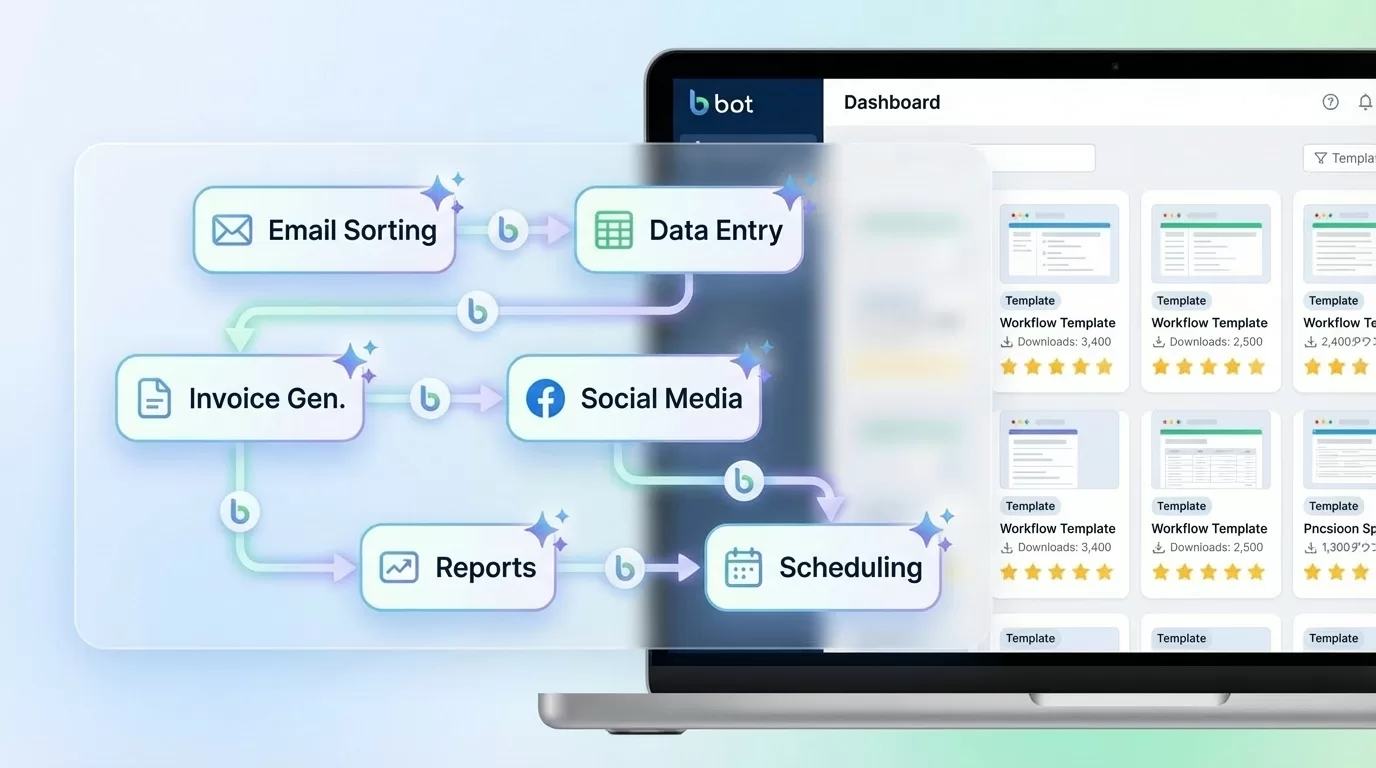
- A flowchart or diagram showing how the process works
- A simple setup guide
- AI‑generated assets used in sample outputs
- A shareable link or file for the no‑code or automation tool used
Buyers should be able to install the workflow, run it, and adapt it with minimal friction.
5. Example Workflow: Daily Social Posts for a Hair Salon
Here is a practical example of what a finished workflow might look like:
- Each morning, an AI tool generates a set of hairstyle reference images.
- A caption generator drafts the accompanying text.
- The system posts the content automatically to the salon’s social media accounts.
- The visual assets include original AI‑generated images, created by the workflow designer.
Packaged as a “Hair Salon Daily Social Media Automation Workflow,” this product gives salon owners a ready‑to‑run system they can customize and operate with minimal daily effort.
Important Considerations
- Always review the terms of service for any AI or automation tool you use.
- Do not include copyrighted materials without permission.
- Automated posting systems should be tested thoroughly to avoid misfires or unintended uploads.
- Earnings vary depending on market demand, skill, and workload.
Summary
Selling AI workflow templates combines practical business automation with the value of digital asset creation. When AI‑generated images, videos, or 3D models are included, the buyer receives a complete package they can use immediately. This makes the workflow feel more like a finished product than a set of abstract instructions.
Call to Action
Explore AI‑generated assets that can be embedded into your workflow products and start shaping ideas for workflows you can package and sell.
Browse AI‑generated assets you can use in your workflows.