Conclusion
For AI creators, showing finished samples alone is often not enough. Including pre‑prompt design in your portfolio helps potential clients understand how you think, which reduces uncertainty and makes it easier for them to move forward with a project.
Why Clients Feel Uncertain: They Can’t See Your Thought Process
AI‑generated images, videos, and 3D assets have improved dramatically, but many clients—especially first‑timers—still feel uneasy. Common concerns include:
- Worries that the final output may not match their vision
- Lack of clarity on how the creator plans and executes the work
- Fear that requesting revisions will be difficult or time‑consuming
For experienced AI creators, breaking down prompts and organizing requirements is a normal step. But for clients, this process is often a black box. Making that process visible can greatly influence whether they feel confident enough to hire.
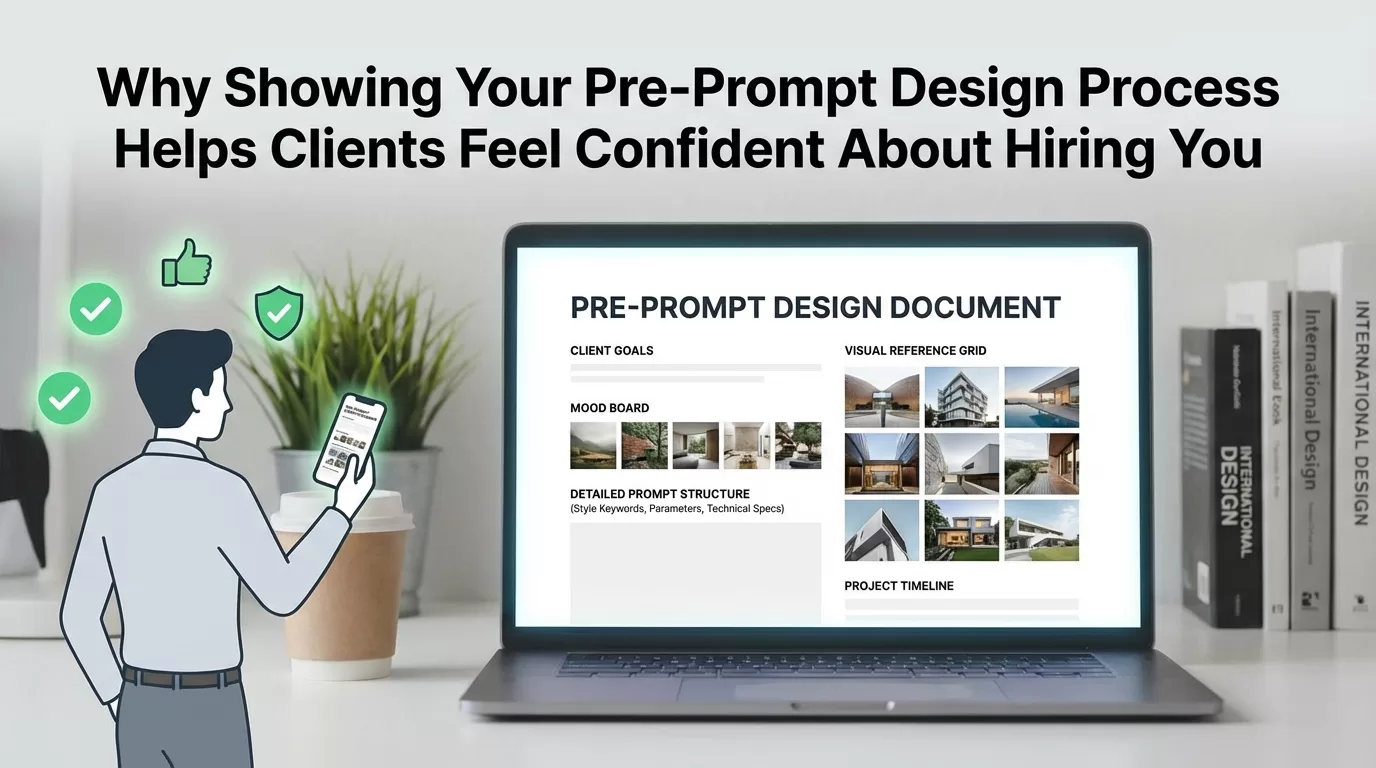
This is where a pre‑prompt design document becomes valuable. While a portfolio of finished work shows what you can produce, the pre‑prompt design reveals the reasoning behind it—bridging the gap between the client’s expectations and your creative process.
How to Turn Pre‑Prompt Design into a Portfolio Asset
1. Start by Writing Out the Requirements
Clarify the creative direction in simple text. Include elements such as:
- Style, perspective, or camera angle
- Colors, tone, and overall mood
- Required components vs. optional ones
- Elements that must not appear (NG items)
2. Organize the Pre‑Prompt into Three Blocks
This structure makes your approach easy to understand:
- Worldbuilding and purpose
- Subject matter and composition
- Technical details (model names, resolution, format requirements)
3. Display It Together with the Final Sample
When presenting work in your portfolio, include both:
- The final image, video clip, or asset
- The related pre‑prompt design document
Seeing them side‑by‑side helps clients understand how the concept developed from planning to execution.
4. Use Partial Excerpts in Your Project Proposals
If you often feel your proposals lack persuasive power, adding a glimpse of your process can help.
Examples:
- “Based on your request, I plan to use the following pre‑prompt structure as the foundation for production.”
- “By sharing the workflow in advance, we can prevent mismatches in expectations and keep communication clear.”
Even short excerpts can show clients that you have a structured, transparent method.
Example Case
A part‑time creator, whom we’ll call A, struggled to receive responses when applying for AI image creation projects. After updating her portfolio with examples that included both finished visuals and their pre‑prompt design documents—and after briefly referencing her requirement‑organization method in proposals—she began receiving several replies within a couple of weeks.
Results vary for each individual, but this case shows how transparency can build trust more effectively than simply sharing completed images.
Important Notes
- Avoid publishing full prompts if you’re concerned about imitation; sharing the structure alone is usually enough.
- Do not use copyrighted or restricted material in ways that violate platforms’ terms.
- If you plan to display client‑provided materials, always obtain proper permission.
- Actual business outcomes differ from person to person.
Summary
Turning your pre‑prompt design process into a portfolio feature helps you:
- Reduce mismatches between your output and the client’s expectations
- Show a clear, easy‑to‑follow workflow
- Strengthen the persuasiveness of your proposals
These advantages can be especially helpful for creators working part‑time or seeking their first few collaborations.
Next Step
If you want to see examples of AI‑generated assets with clear production processes, explore our available items.
Browse the available AI‑generated assets